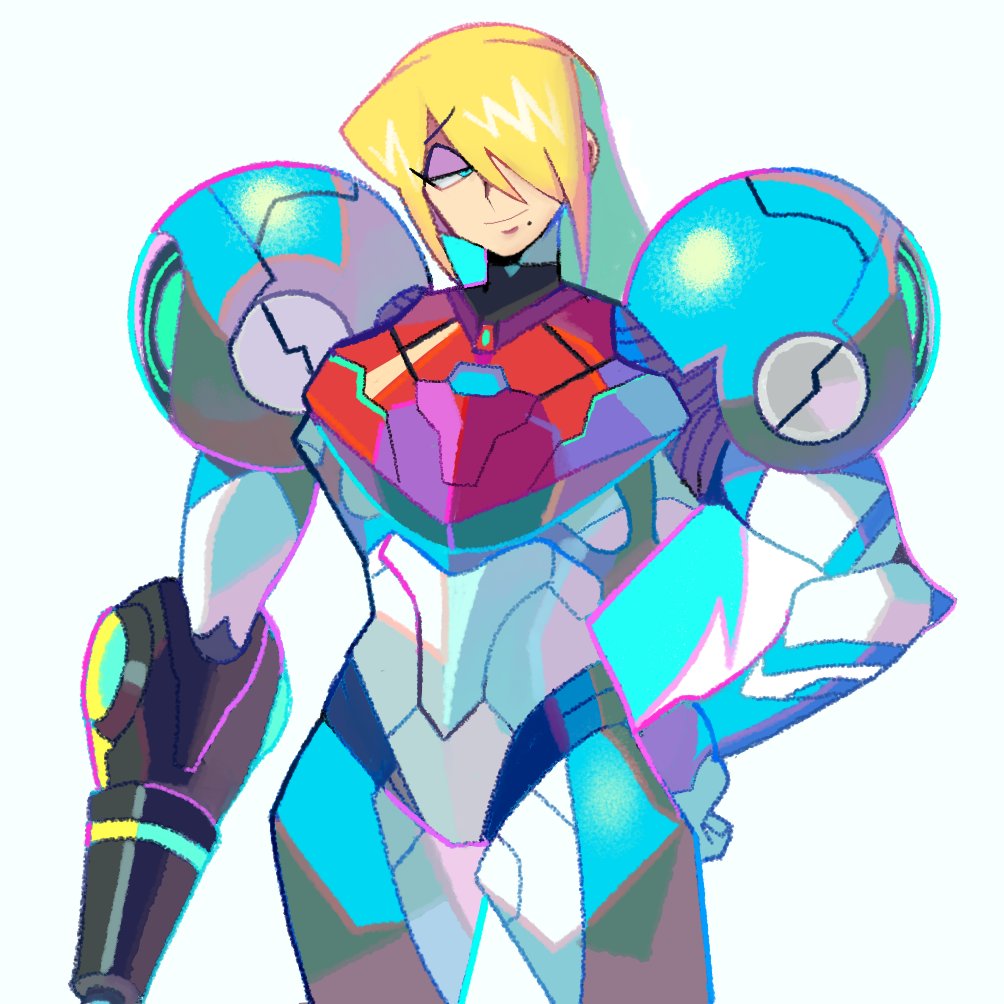
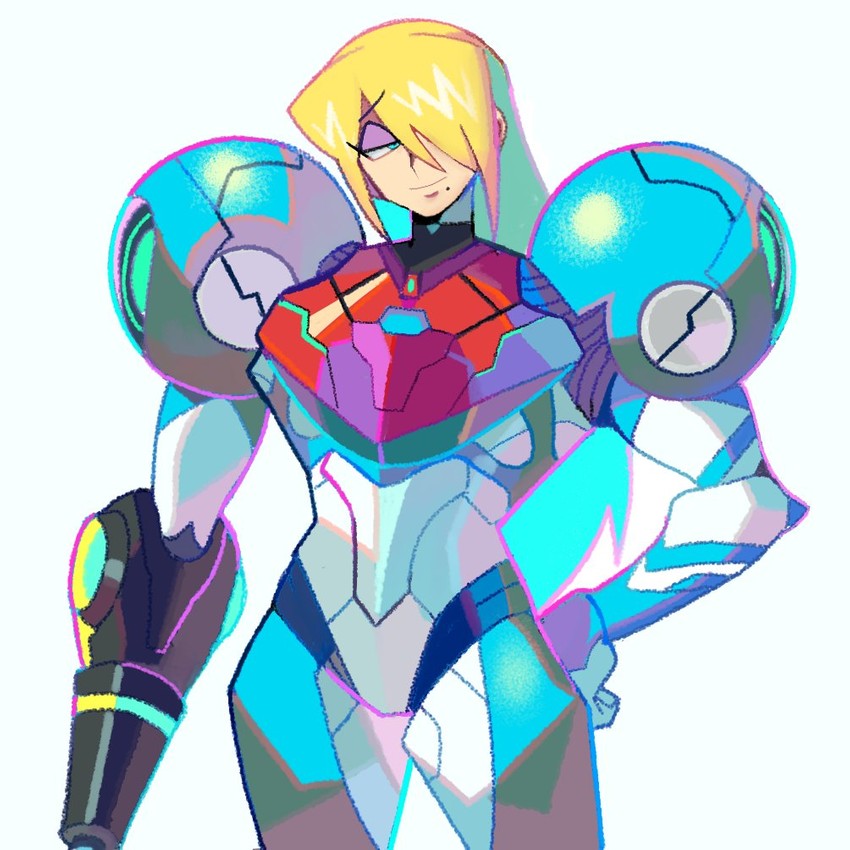
I tried uploading the artist's other image, but Danbooru said it was duplicate. I looked through help articles to find out how to upload it, but it was way too hard to find, so I gave up.
If someone can let me know how it works, I can do it myself. I'd love to find out, if someone's willing to tell me how.
I tried uploading the artist's other image, but Danbooru said it was duplicate. I looked through help articles to find out how to upload it, but it was way too hard to find, so I gave up.
If someone can let me know how it works, I can do it myself. I'd love to find out, if someone's willing to tell me how.
Apologies, I tried uploading it myself to see if I could reproduce the error, and it just worked. Were you uploading with the bookmarklet, or manually?
Apologies, I tried uploading it myself to see if I could reproduce the error, and it just worked. Were you uploading with the bookmarklet, or manually?
No problem.
Manually - I don't even know what a bookmarklet is.
Manually - I don't even know what a bookmarklet is.
Oh, the bookmarklet is a browser bookmark that you can use to make uploading easier, there's more info here. I actually used the "Batch to Danbooru" bookmarklet when I uploaded the second picture, so that's probably why it worked for me.
It's basically a browser bookmark with javascript commands encoded within it. The Danbooru one in particular will try to automatically retrieve the relevant links for full-sized images.
Sometimes there are hiccups, especially if a website changes their UI or API (background stuff, how it interfaces with other programs), but the Danbooru bookmarklet generally works for most of the websites it has support for (i.e. listed on the bookmarklet explanation webpage). As such it is generally best practice to use the bookmarklet if it's possible since it makes things much easier and less error-prone.
It's basically a browser bookmark with javascript commands encoded within it. The Danbooru one in particular will try to automatically retrieve the relevant links for full-sized images.
Sometimes there are hiccups, especially if a website changes their UI or API (background stuff, how it interfaces with other programs), but the Danbooru bookmarklet generally works for most of the websites it has support for (i.e. listed on the bookmarklet explanation webpage). As such it is generally best practice to use the bookmarklet if it's possible since it makes things much easier and less error-prone.
DownWithTheThickness said:
Oh, the bookmarklet is a browser bookmark that you can use to make uploading easier, there's more info here. I actually used the "Batch to Danbooru" bookmarklet when I uploaded the second picture, so that's probably why it worked for me.
That is incredible. I had no idea it existed! If things were easier to navigate, I certainly would have used that!
Thanks a lot for the info - I really appreciate it.


Leave a comment