Danbooru
Login Posts Comments Notes Artists Tags Pools Wiki Forum More »
Listing Upload Hot Changes Help

Search

  • Help
guro
scat
furry -rating:g

Artist

  • ? smile (qd4nsvik) 285

Copyright

  • ? original 1.5M

General

  • ? artist name 594k
  • ? beach 124k
  • ? caustics 3.8k
  • ? from above 140k
  • ? guide 471
  • ? how to 1.8k
  • ? multiple views 258k
  • ? no humans 225k
  • ? signature 424k
  • ? simple background 2.7M
  • ? water 281k
  • ? white background 2.2M

Meta

  • ? commentary 3.1M
  • ? highres 7.8M
  • ? ↳ absurdres 2.8M
  • ? translation request 811k
  • ? ↳ check translation 43k

Information

  • ID: 8550805
  • Uploader: lochrin »
  • Date: over 1 year ago
  • Approver: Hereinafter »
  • Size: 2.59 MB .jpg (1920x2560) »
  • Source: x.com/dsuV4sW8qYWHQVL/status/1866769905858777221 »
  • Rating: General
  • Score: 18
  • Favorites: 16
  • Status: Active

Options

  • Resize to window
  • View smaller
  • View original
  • Find similar
  • Download

History

  • Tags
  • Pools
  • Notes
  • Moderation
  • Commentary
Resized to 44% of original (view original)
original drawn by smile_(qd4nsvik)

Artist's commentary

  • Original
  • |
  • Translated
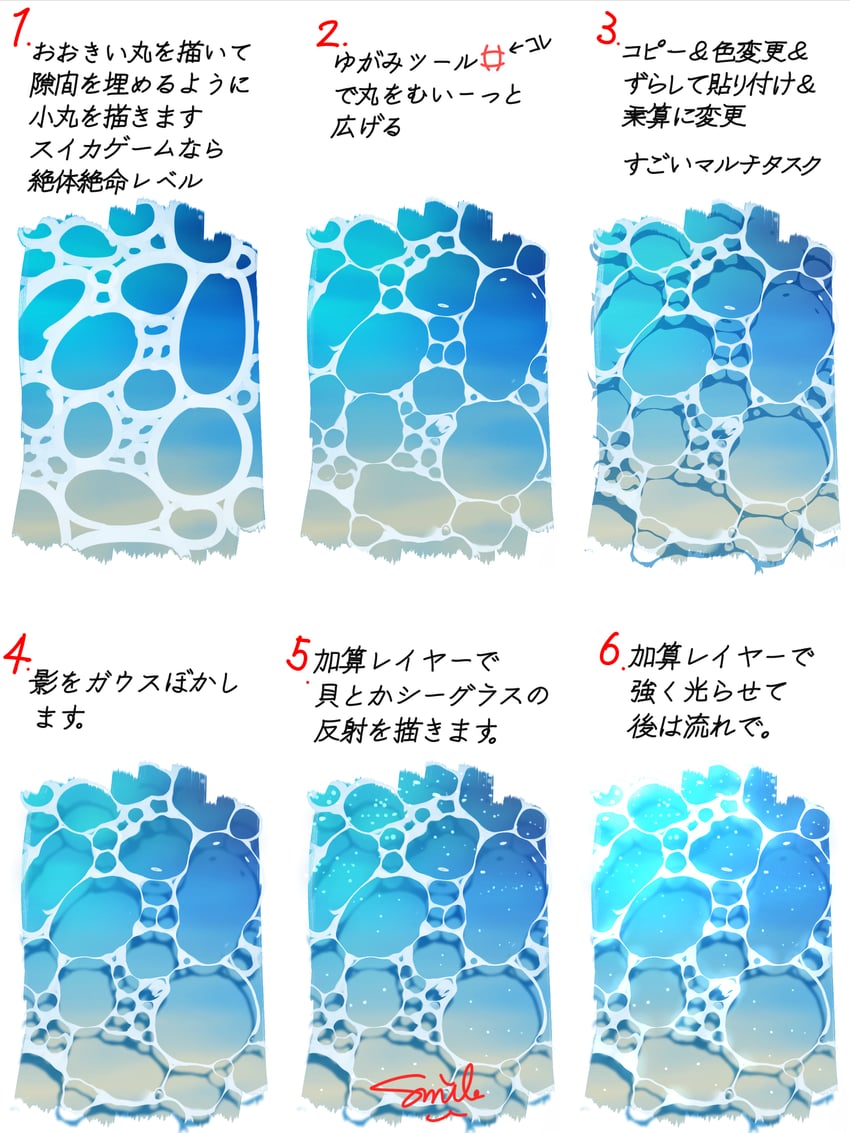
  • 簡単な水面の描き方を爆速解説です✨
    CLIPSTUDIOで描いています🤩

    It's a quick and dirty guide to drawing water surface easily✨
    Drawn in CLIPSTUDIO🤩

    • ‹ prev Search: tutorial next ›
  • Comments
  • Recommended
  • Loading...

    There are no comments.

    Leave a comment

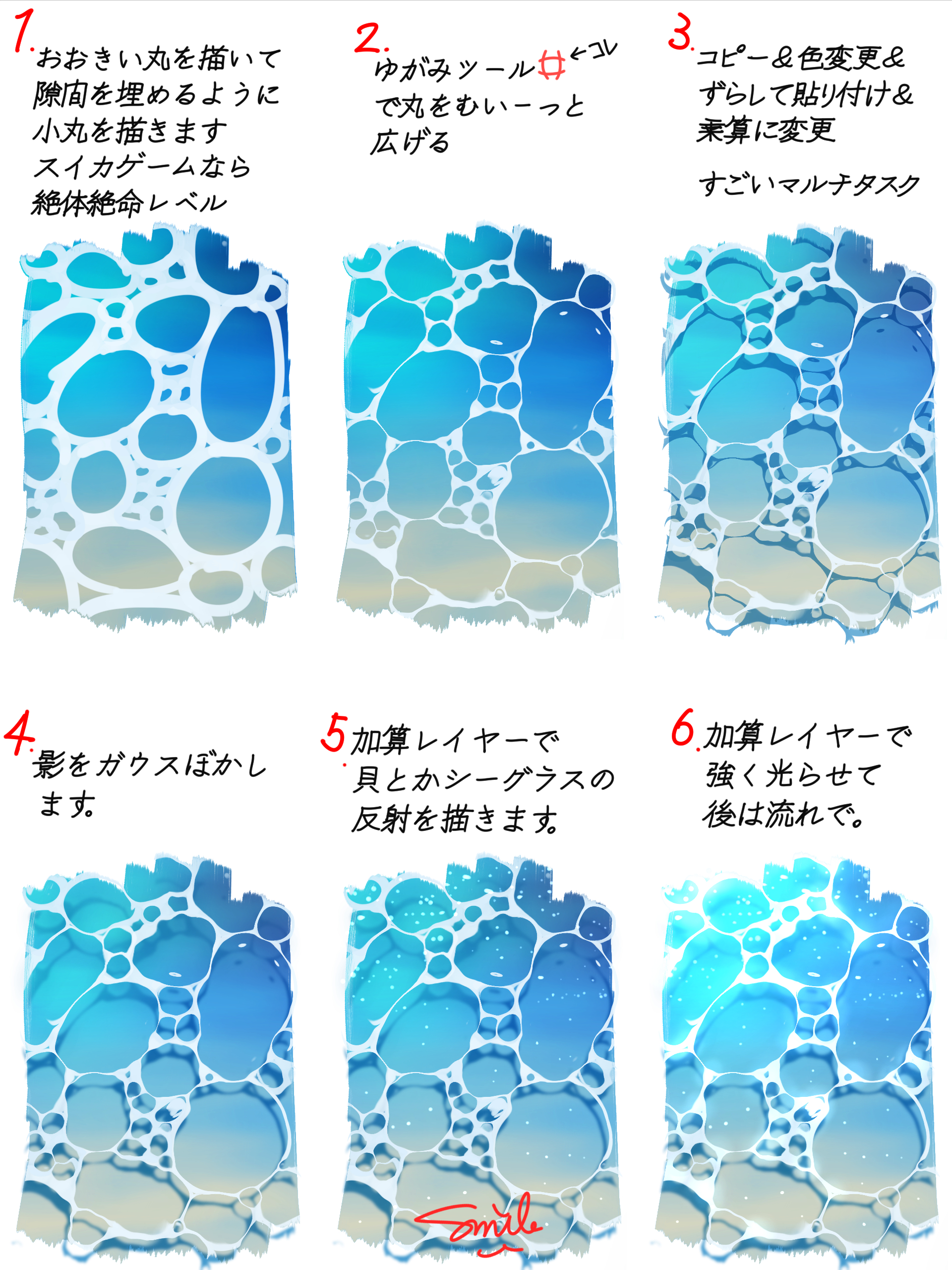
    Make a copy of the layer, change the color of the drawing, offset it a bit, put behind the original then change blending mode to multiply. What a multitask.
    Draw big circles and fill the gaps with small ones. My condolences if you have this in Suika Game.
    Rough and widen the circles up with the warp tool.
    Gaussian blur the shadows
    Put seashells, sea glass, etc. on a new layer.
    Put lights and flow on a new layer.
    Like this
    Terms / Privacy / Upgrade / Contact /